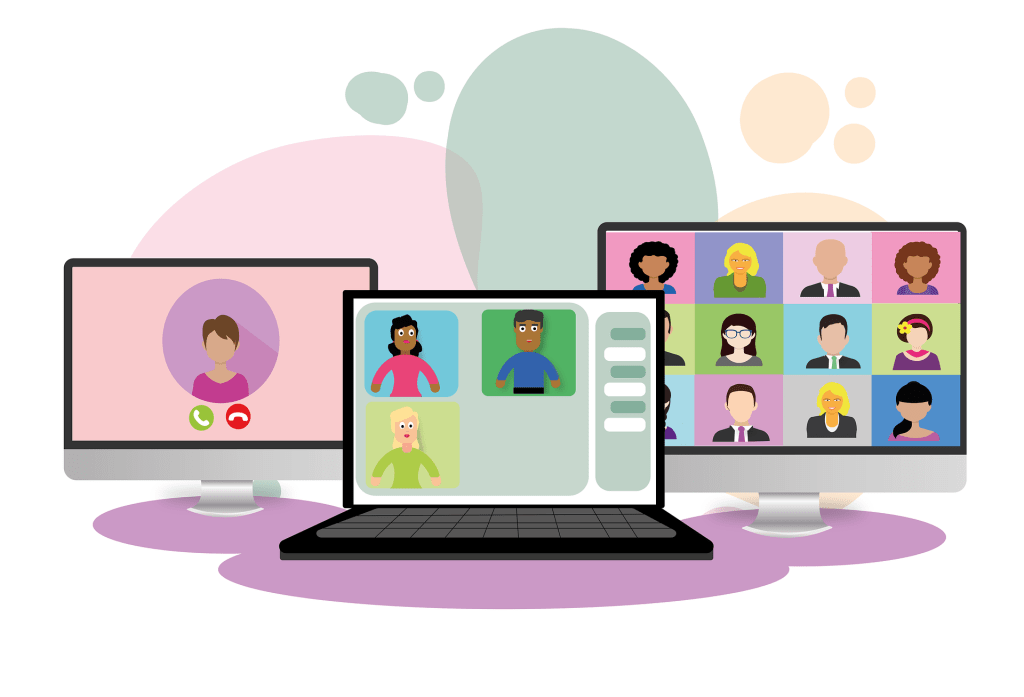
Both in-person and virtual events can help drive ROI with the invaluable knowledge transfer and personal connections they foster. Attending, participating in and planning events has had a massively beneficial impact on my own career and professional development. I’ve attended and planned more industry events than I can count, and if you’re reading this, there’s a fair chance that we met at one of these!
As the world has pivoted to virtual events, many of us have been learning as we go. Here are some of the key takeaways I’ve learned from planning and attending virtual events. These pertain to any role, but as my focus has always been sales & marketing, I’ve written this with salespeople in mind.
PRE-PLAN
Be prepared to give the event your full attention!
- Get ahead on regular work so that you’re less likely to be pulled back into it during an interesting talk or lively networking hour.
- Set an email auto-response.
- Set an away message in company chat platforms.
- Update your calendar to show colleagues you’ll be attending the event.
Research items and speakers of particular interest, so you can be sure to catch them.
- If your colleagues are attending this virtual event – discuss who is attending what, so you can exchange notes if you do get called out of the virtual event for another meeting.
- Research the virtual exhibit hall and have a plan of which virtual booths you’ll visit. Prioritize your time.
Set SMART goals for this event.
- Have a clear plan of what you hope to accomplish.
- Whom do you want to connect with?
- What questions do you want to get answered?
- Share your goals with your team! This will help you hold yourself accountable and it may also help you revise your priorities if other teammates have similar goals.
ATTENDING TALKS
Ask questions and use the chat function.
- Much like a real event, asking questions can get recognition from the speaker and the audience, prompting new connections and new business.
- If there’s a chat function open, make the most of it! Use this to build on concepts the speaker is discussing, talk about practical applications, and engage with other audience members. Oftentimes even a couple good points back and forth via chat will lead to a welcomed LinkedIn introduction – act on this immediately if you are enjoying engaging with anyone in the chat.
- Connect with relevant speakers on LinkedIn after their talks. LinkedIn connecting during virtual conferences is like exchanging business cards. When requesting to connect, use the “add a note” option and mention something you liked about their talks. When they respond, follow up with a question that prompts further discussion.
GIVING PRESENTATIONS
Always have a backup.
- Have at least two options for camera, mic and speaker/headphone within reach. You never know when one will cause problems, so you’ll want these at the ready.
- Have a cellular hotspot ready in case your internet drops.
- Make sure the event organizer has a copy of your presentation in case your screen share fails.
Take note of who is asking questions.
- If you have a colleague attending, have them note this for you.
- Connect with them after your talk to thank them for the question; determine whether further contact is needed.
List your organization’s contact information on the screen. You want people who attend replays or have questions to be able to get in touch with you after.
VIRTUAL EXHIBITS
Make time to visit the virtual booths you’d highlighted in your pre-planning.
- Support the organizations who sponsored the event by visiting their booths. They need to show ROI in order to continue funding these types of events in the future.
- Make sure to accomplish any goals you’d outlined regarding vendors. Use your time wisely, as there are often many virtual exhibitors and not enough time to spend with everyone.
EXHIBITING
Make sure your relevant audience is aware of your booth and how they can benefit by visiting it.
- Mention your virtual booth in any talks given by your team.
- Mention your booth in networking hours.
- Host a virtual event at your booth to attract more traffic.
- Take advantage of downtime in the conference agenda to host an informal event (Ask the Expert, lunchtime Q&A, happy hour, etc.)
NETWORKING EVENTS
Make it clear whom you represent.
- Have a visual that shows people which organization you’re with.
- Use a company background or wear a logo shirt.
Screen grab attendees for future reference. After the networking hour, you can use these to connect on LinkedIn, rather than trying to multitask which will take your focus away from the event itself.
Have something fun or interesting in your back pocket.
- Prepare a fun question to break the ice and get people chatting. “What polymer would you be and why?” or “What’s been your favorite virtual conference snack or meal?”
- Have an event-relevant or industry-related question or discussion topic ready to get lively discussion going.
POST-EVENT
Have a post-event wrap meeting with your team to discuss key takeaways.
- Leads
- New technologies
- Industry trends
Share key takeaways with leadership and team members who did not attend.
- Follow up with leads and introduce them to the appropriate team member.
- Be sure to track all activity for leadership to give the clearest view possible on event ROI.
Give feedback to the event planners.
- Complete post-event surveys and give constructive feedback. This is a tool for event planners to improve the events for you!
Now I want to hear from you! Let me know in the comments section what your favorite virtual events have been and why. How have you & your organization navigated the shift to virtual events? Does your company have a “best practices” or other type of guide to help you?
Image credit: Alexandra Koch
 WTF is Manufacturing